 Size Run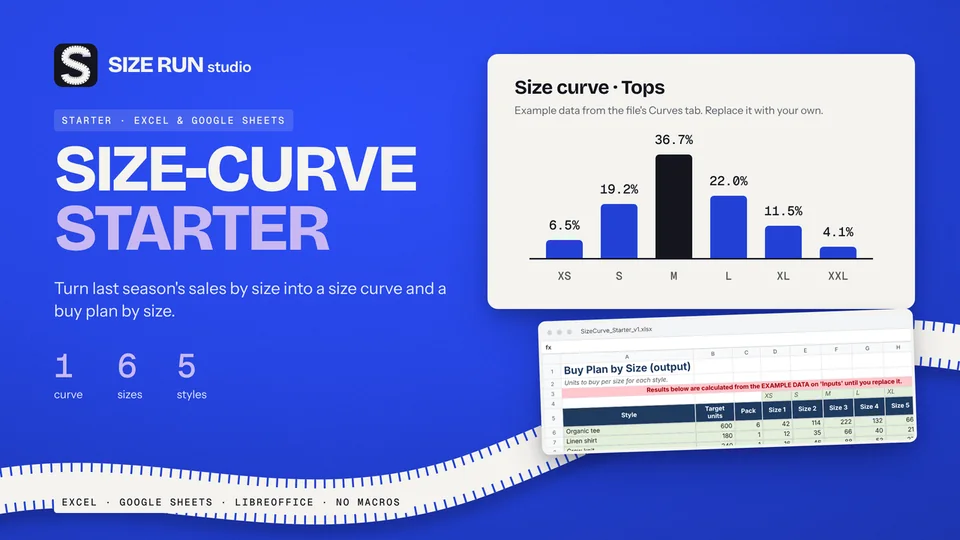
Free size curve template for apparel buyers
Turn last season's units by size into a buy plan. Free.
How to keep simple bookkeeping for an Etsy shop: log orders and costs, break out fees, and see net after fees, profit and margin, with a worked example.
If you run an Etsy shop, the number that matters is what you keep after fees, postage and the cost of making the item. This page lists what simple bookkeeping should record, shows the formulas, and walks through one order with invented numbers and editable example rates.
One order line per row makes the log easy to filter and check against your statement.
Costs that do not belong to one order go into a second log with a date, a category and an amount. Keep the category list short and editable, for example supplies, packaging, software, equipment and education. Eight categories cover most small shops.
These figures are made up. The rates are editable examples and do not reflect any current fee table. Compare them with your own Shop Manager and enter the rates that apply to you.
An item sold for 30.00 and the buyer paid 5.00 for shipping. Example rates: listing fee 0.20, transaction fee 6.5 percent and payment processing 4 percent plus a fixed 0.30, all on the item plus shipping. Materials cost 8.00 and the postage label cost 4.50.
Change one rate to see how much it moves the result.
Your own log shows what you expected to earn. The monthly payment statement shows what was actually charged. Paste the statement into a separate tab, group it by type, leave payouts out and compare the totals with your log. A difference points to a missing order, a wrong rate or a fee type you had not set up. Check your first import against the statement totals before trusting it.
The formulas above fit into a plain spreadsheet, and building your own is a fair way to start. A ready template saves the setup time.
The Etsy Seller Bookkeeping & Profit Dashboard is an Excel workbook with seven tabs: Instructions, Settings, Sales_Log, Expenses, Statement_Import, Monthly and Dashboard. The fee engine is editable and starts with example values as of October 2026 for a seller in Germany: listing fee, transaction percentage, processing percentage with a fixed fee, advertising percentage and regulatory fee percentage. The sales log holds 500 order lines and the expenses log 400 rows with 8 editable categories. The statement tab reads eight pasted columns, excludes payouts and flags types it does not recognise. Monthly and Dashboard show the sales-log view, the fee breakdown, the statement view, a reconciliation line, year totals and a chart. Example data is included and marked. It has no macros and opens in Excel and LibreOffice.
The statement import follows the documented column names and was not tested against a real statement file, and the format may change, so check your first import against your totals. Version one does not model tax or VAT filing, currency conversion, balance or stock accounting. It is a record-keeping aid, not financial, tax, accounting or legal advice. Etsy and Microsoft Excel are trademarks of their owners, and Size Run Studio has no affiliation with either.
The Etsy Seller Bookkeeping & Profit Dashboard is a paid digital download. You get the Excel workbook with clearly marked example data and a one-page Quick Start PDF. Nothing is shipped.
See the Etsy Seller Bookkeeping & Profit Dashboard
For every order: date, sale amount, shipping, the fees by type, your own costs and the resulting net after fees, profit and margin. Add a second log for business expenses such as supplies, software and packaging.
Keep listing fee, transaction fee, payment processing and advertising fees in separate columns, so you can see which one moves your result. Add a regulatory fee column if one applies to you.
Your own log shows what you expected. The monthly payment statement shows what was charged. A reconciliation line that compares the two catches missing orders and wrong rates early.
No. A tracker is a record-keeping aid. Ask a qualified adviser how to handle VAT, sales tax and income tax in your country.
Turn last season's units by size into a buy plan. Free.
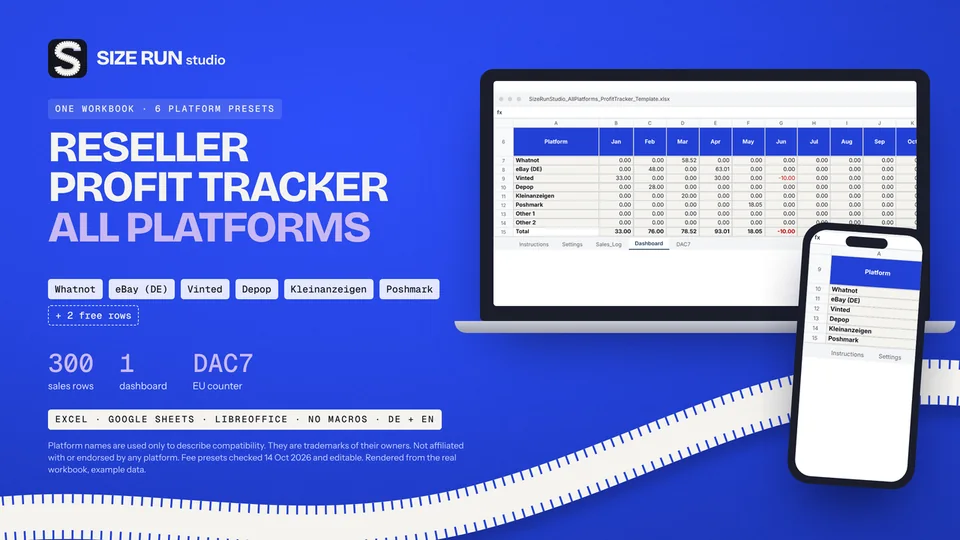
Fees, net profit, margin and ROI per platform and month.
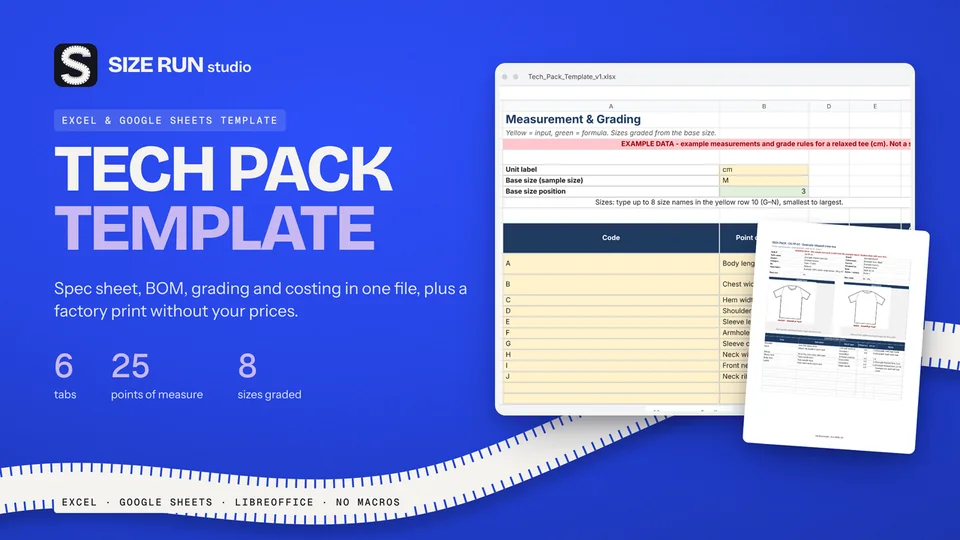
Spec sheet, BOM, grading and costing in one file.
A worked example, step by step, from net units to units per size.
What you keep per resale after fees and shipping.
The open-to-buy formula with a worked example, at retail and at cost.
Sell-through rate and weeks of cover, with a worked example.
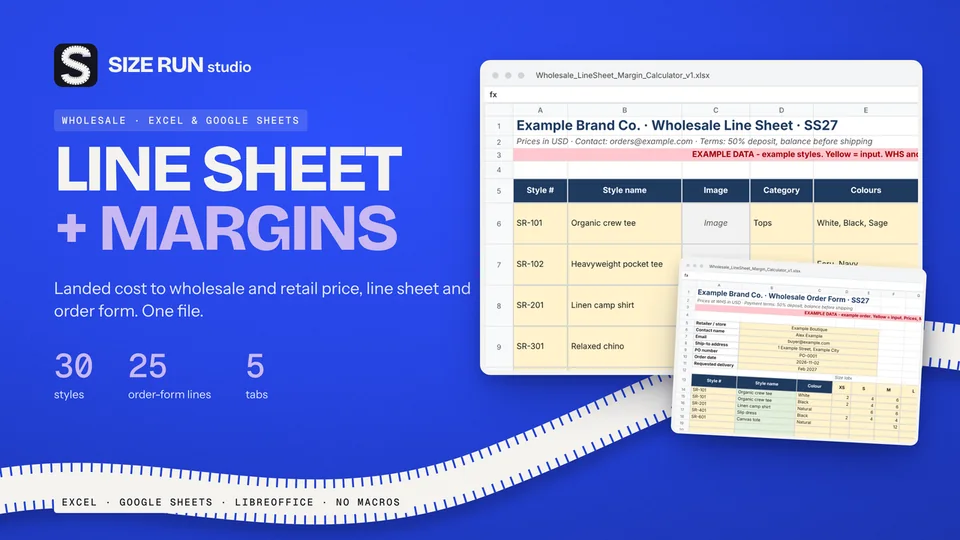
Why a 50% markup is not a 50% margin, with a worked example.
What a production tracker needs, how to flag late samples and orders, with a worked example.
Which columns a wholesale price list needs and how to price from landed cost, with a worked example.
Fee, net profit, margin and ROI per sale, with a worked example and editable fee rates.
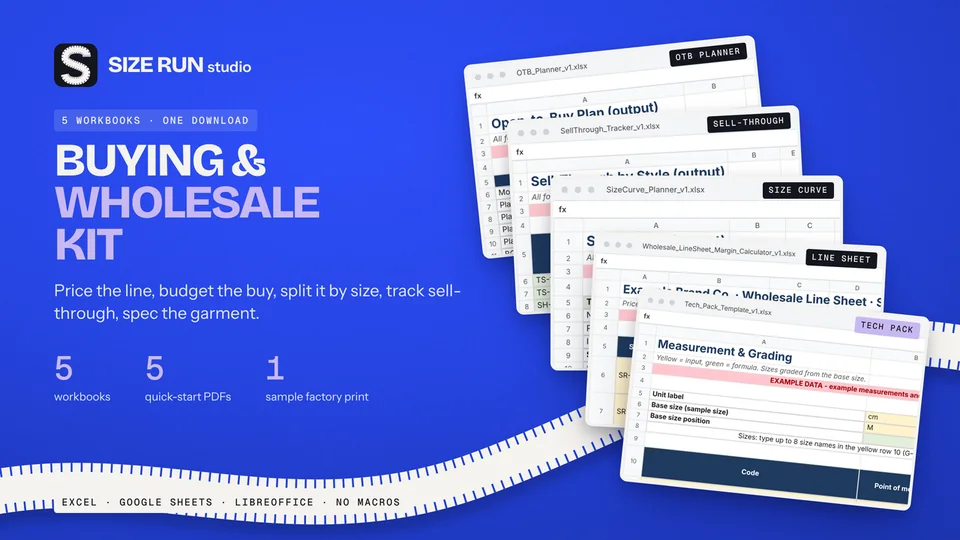
Line sheet, tech pack and production tracker: what each covers, plus a worked margin example.
How to track bookings, host fee, payout, occupancy and profit per property, with a worked example.
How to track invoices, overdue payments, income and profit per hour, with a worked example.
How to budget when every month pays differently: baseline, buffer and set-aside, with a worked example.
How to track wedding vendor deposits, balances and due dates in one spreadsheet, with a worked example.
Invoice tracker and irregular-income budget planner in one bundle, with worked examples.