 Size Run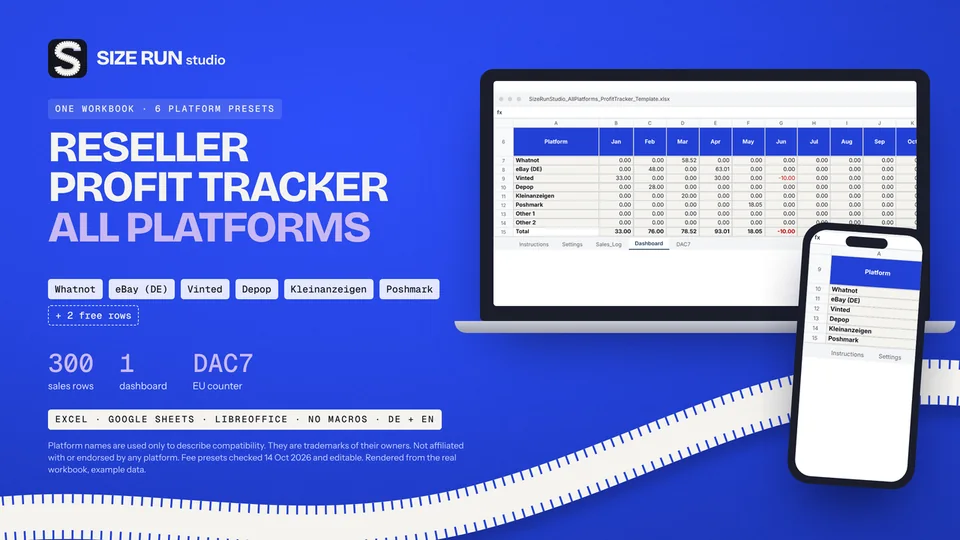
Reseller profit tracker: see which platform actually pays
Fees, net profit, margin and ROI per platform and month.
Spreadsheet that turns last season's units sold, returns and weeks in stock per size into a size curve and a units-per-size buy plan for up to 5 styles.
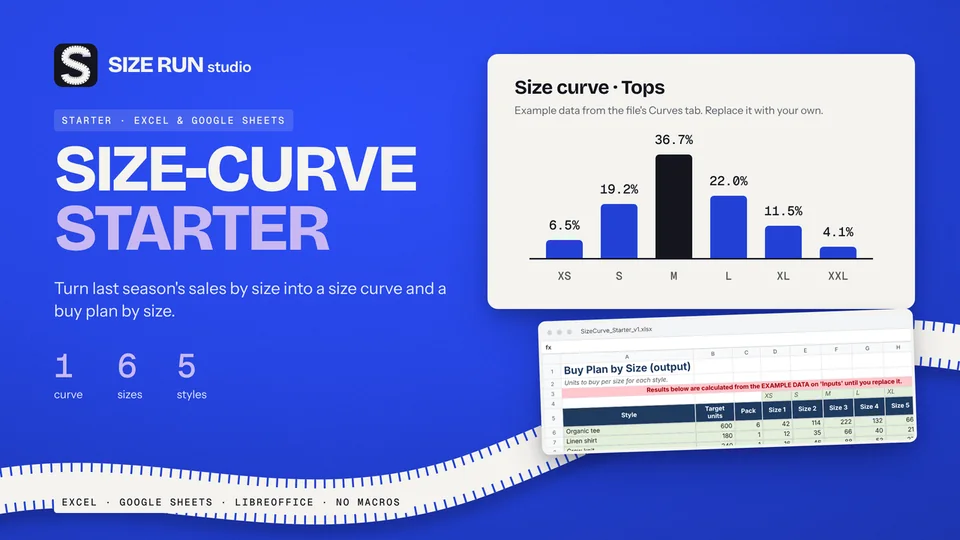
Most size splits start as a gut feeling or a generic industry ratio. This free workbook builds the curve from your own sales history instead, and then turns it into units per size for the styles you are about to buy.
A size curve is the share of a buy that each size should get. If, say, a size M made up a quarter of last season's net sales, it earns about a quarter of the next buy, adjusted for what you know has changed. Buying by curve instead of buying "one of each" reduces the stock that is left over in the sizes nobody wanted while the popular sizes sell out.
One workbook with four tabs (Instructions, Inputs, Curves, Buy_Plan), a one-page Quick Start PDF and labelled example data for a tops curve from XS to XXL. Yellow cells are for your input, green cells are formulas. It is a standard .xlsx file with no macros and built for Excel and Google Sheets, checked in LibreOffice.
The free Starter handles one curve, up to six sizes and up to five styles. If you need more, the Size-Curve Planner inside the Buying & Wholesale Kit covers three curves, eight sizes and 20 styles. The Starter is a planning aid: it does the arithmetic on your history, it does not forecast demand, and a new style without comparable history still needs your judgement.
Small apparel brands planning a production run, boutique buyers placing size-level orders, and merchandising students who want to see the mechanics of a size curve in a file they can inspect cell by cell.
Get the free Size-Curve Starter Full Buying & Wholesale Kit on Etsy Line Sheet template on Etsy Free. Gumroad asks for an email address only to deliver the file.
Best results come from your own units by size. With no history, use your best estimate or a comparable product you have sold; the low-history warning shows when the result is only a rough guide.
Built for Google Sheets: upload the .xlsx to Google Drive and open it with Sheets; formulas are standard.
Both. Size labels are free text.
Yes. The price on Gumroad is $0.
Fees, net profit, margin and ROI per platform and month.
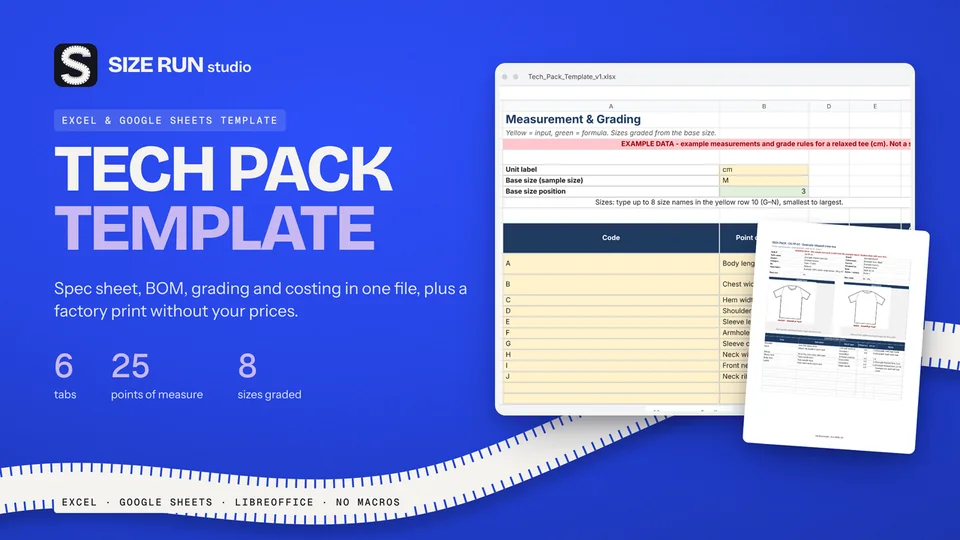
Spec sheet, BOM, grading and costing in one file.
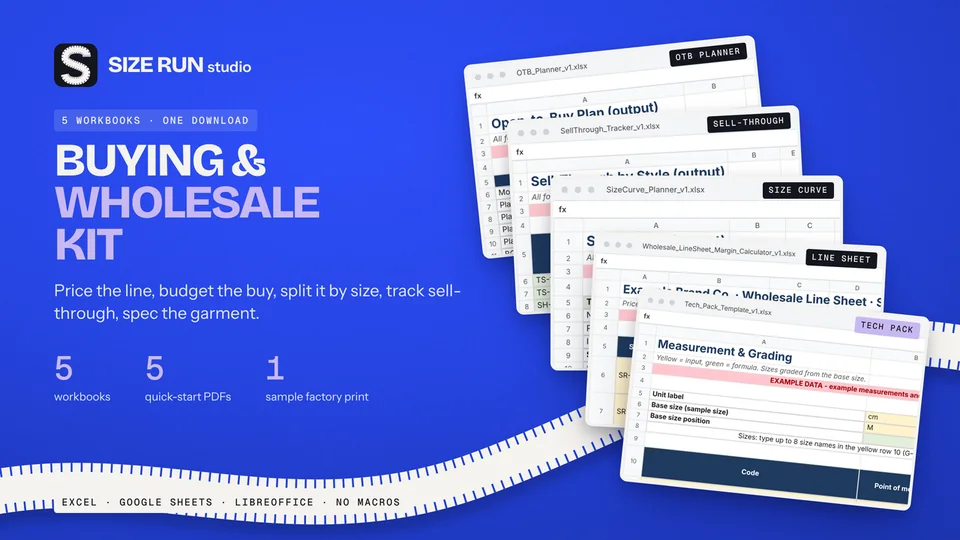
A worked example, step by step, from net units to units per size.
What you keep per resale after fees and shipping.
The open-to-buy formula with a worked example, at retail and at cost.
Sell-through rate and weeks of cover, with a worked example.
Why a 50% markup is not a 50% margin, with a worked example.
What a production tracker needs, how to flag late samples and orders, with a worked example.
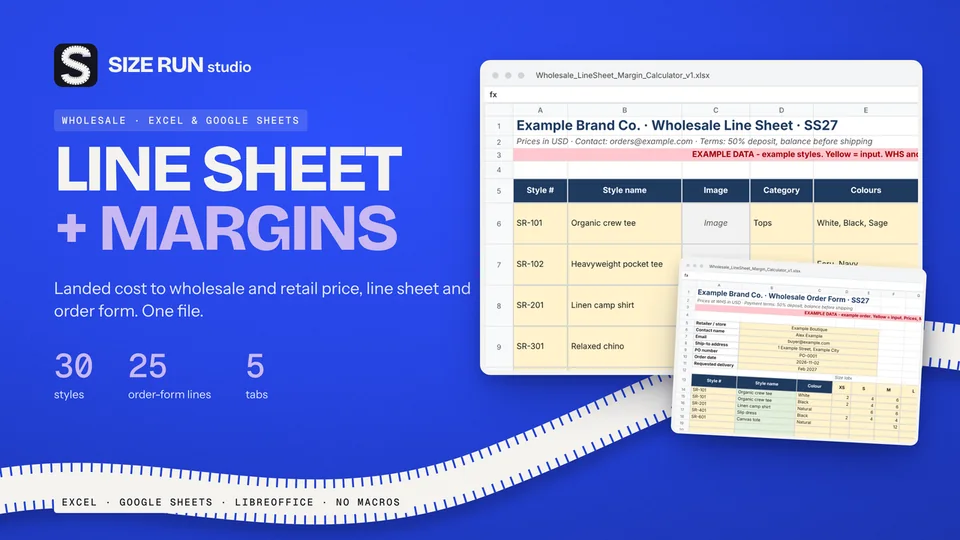
Which columns a wholesale price list needs and how to price from landed cost, with a worked example.
Fee, net profit, margin and ROI per sale, with a worked example and editable fee rates.
Line sheet, tech pack and production tracker: what each covers, plus a worked margin example.
How to track bookings, host fee, payout, occupancy and profit per property, with a worked example.
Track Etsy fees, net profit and margin per sale, with a worked example and editable fee rates.
How to track invoices, overdue payments, income and profit per hour, with a worked example.
How to budget when every month pays differently: baseline, buffer and set-aside, with a worked example.
How to track wedding vendor deposits, balances and due dates in one spreadsheet, with a worked example.
Invoice tracker and irregular-income budget planner in one bundle, with worked examples.