 Size Run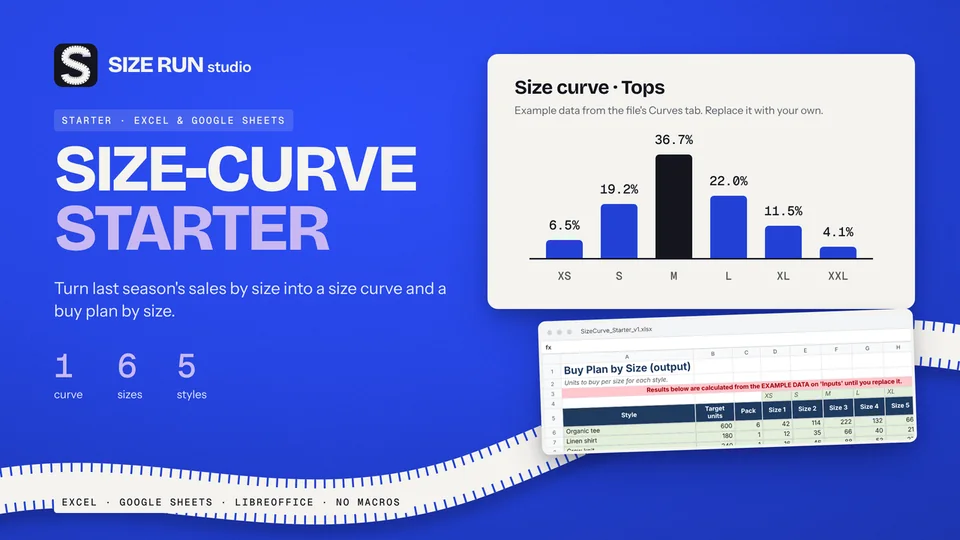
Free size curve template for apparel buyers
Turn last season's units by size into a buy plan. Free.
How to track freelance income in a spreadsheet: log invoices, see who is overdue, age unpaid money, and set aside a share, with a worked example.
If you work for clients on your own, three questions come back every month: who still owes me money, what did I actually receive, and what did an hour of work bring in. This page lists what a simple invoice and income tracker should record, shows the formulas, and walks through one invoice with invented numbers.
One invoice per row keeps the log easy to filter and to compare with your bank statement.
Two short logs complete the picture. A time log holds one row per work session with date, client, project, hours and a billable flag. An expense log holds date, category, description and amount. Keep the category list short and editable, for example software and tools, equipment, and office or coworking.
Every status and total in a tracker comes from a few steps.
Use a report date cell. Type a fixed date to look at a past moment, or =TODAY() to see the current day.
These figures are made up for illustration. One invoice of 800 is issued on 1 September with 30 days terms.
Now a small month. You received 3,000, logged 40 billable hours and had expenses of 400, with a set-aside of 25 percent as an editable example.
Change the percentage to see what a different rule would keep apart.
A list of overdue invoices treats a three day delay like a three month delay. Buckets separate them. Money in the first bucket often needs a polite reminder. Money in the oldest bucket needs a call and a decision. When you also track average days to pay per client, you can see which clients pay close to terms and which always run late.
Invoiced money and received money differ by weeks. A month with many invoices can be a month with little cash. A cash basis view counts invoices in the month they are issued and money in the month it arrives, so the monthly line shows what really came in. Pair it with a set-aside percentage that you choose, and slow months become easier to plan.
The formulas above fit into a plain spreadsheet, and building your own is a fair way to start. A ready template saves the setup time.
The Freelancer Dashboard is an Excel workbook with 9 tabs: Instructions, Settings, Clients, Projects, Invoices, Time_Log, Expenses, Monthly and Dashboard. The invoice tab holds 400 rows with due date, status, days overdue, days to pay and ageing buckets, and it handles part payments and credit notes. The client tab covers 20 clients with invoiced, received, outstanding, billable hours and average days to pay. The project tab covers 100 projects with agreed fee, estimated and logged hours and received per logged hour. The time log holds 1,000 entries and the expense log 400 rows with 8 editable categories. Monthly and Dashboard show received, expenses, profit, set-aside, hours, ageing, the project pipeline and a chart. Example data is included and marked, so you can delete it before real use. A one page Quick Start PDF is included. It has no macros and opens in Excel and LibreOffice.
Version 1 does not model taxes or VAT of any kind, multiple currencies, payroll, recurring invoices or accrual accounting. It does not create invoice documents. It was recalculated in LibreOffice without errors and has not been tested in Google Sheets.
*This page is general information and a description of a record-keeping tool. It gives no financial, tax, accounting or legal advice. Microsoft Excel is a trademark of its owner. Size Run Studio has no affiliation with Microsoft.*
For every invoice: number, client, issue date, amount, payment terms and the date the money arrived. Add a time log and a short expense log. From these a tracker can show what is paid, open or overdue, what you received per hour and your profit by month.
Invoice ageing sorts unpaid invoices by how long they are past their due date, for example not yet due, 1 to 30 days, 31 to 60 days and 61 days or more. It shows at a glance which money needs a reminder first.
Look at received money by month, not only invoiced money, and decide on a set-aside percentage of monthly profit that you keep apart. The percentage is your own choice. A tracker only does the arithmetic.
No. A tracker is a record-keeping aid. Ask a qualified adviser how to handle VAT, income tax and invoice requirements in your country.
Turn last season's units by size into a buy plan. Free.
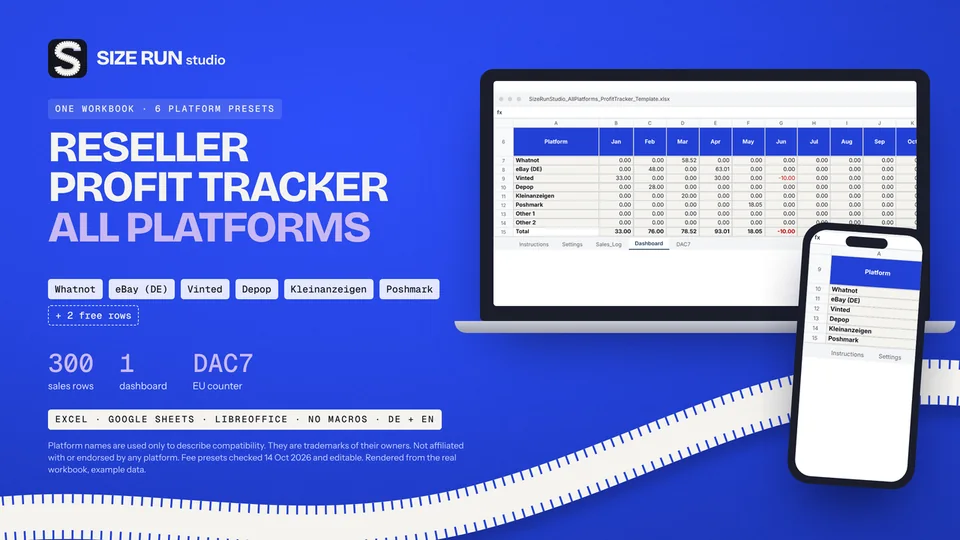
Fees, net profit, margin and ROI per platform and month.
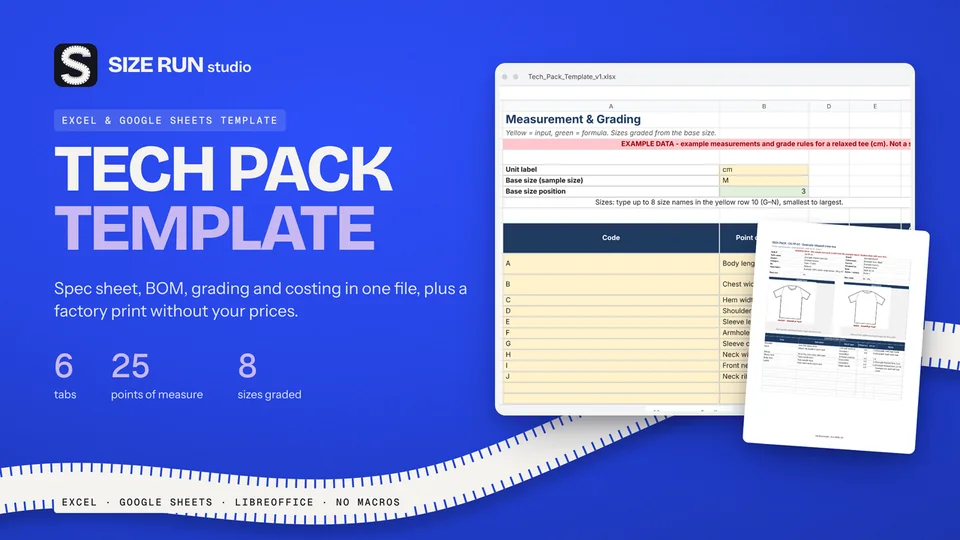
Spec sheet, BOM, grading and costing in one file.
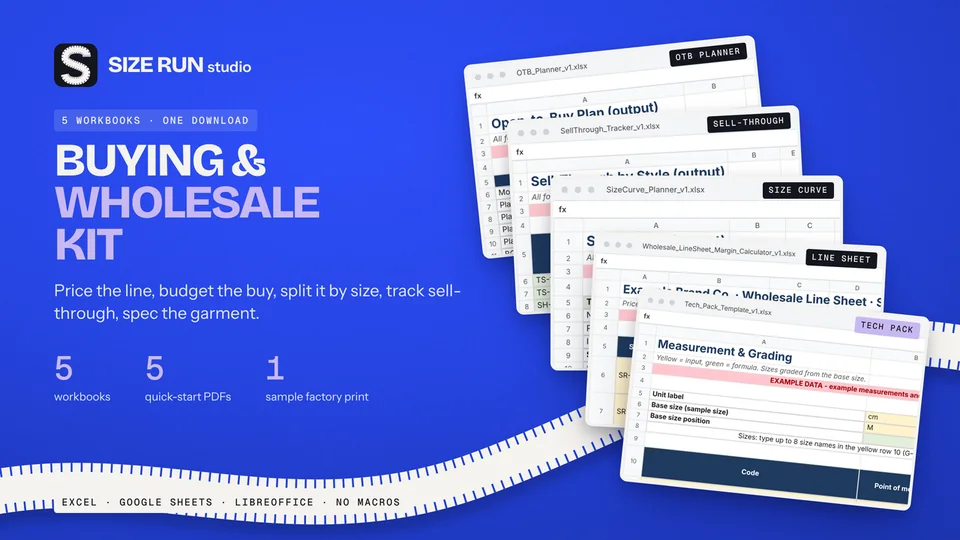
A worked example, step by step, from net units to units per size.
What you keep per resale after fees and shipping.
The open-to-buy formula with a worked example, at retail and at cost.
Sell-through rate and weeks of cover, with a worked example.
Why a 50% markup is not a 50% margin, with a worked example.
What a production tracker needs, how to flag late samples and orders, with a worked example.
Which columns a wholesale price list needs and how to price from landed cost, with a worked example.
Fee, net profit, margin and ROI per sale, with a worked example and editable fee rates.
Line sheet, tech pack and production tracker: what each covers, plus a worked margin example.
How to track bookings, host fee, payout, occupancy and profit per property, with a worked example.
Track Etsy fees, net profit and margin per sale, with a worked example and editable fee rates.
How to budget when every month pays differently: baseline, buffer and set-aside, with a worked example.
How to track wedding vendor deposits, balances and due dates in one spreadsheet, with a worked example.
Invoice tracker and irregular-income budget planner in one bundle, with worked examples.