 Size Run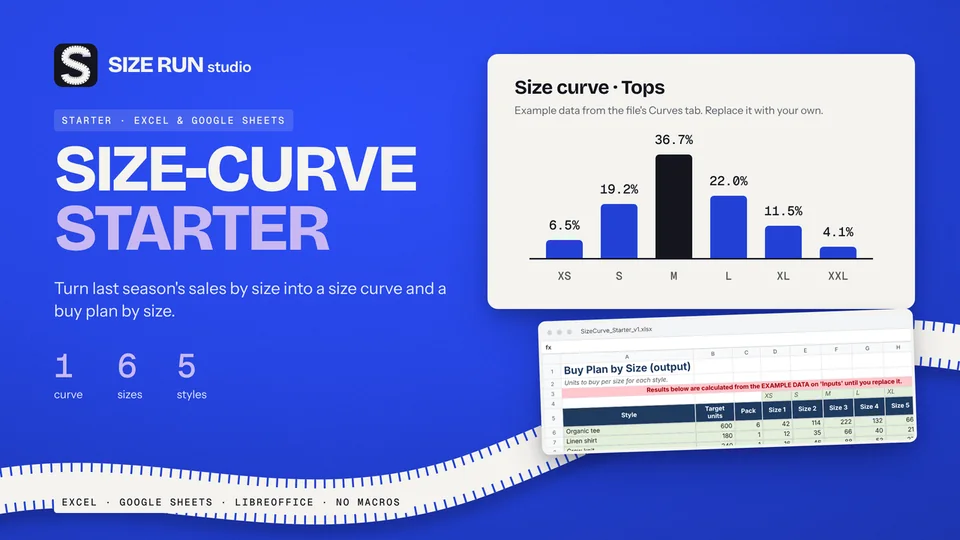
Free size curve template for apparel buyers
Turn last season's units by size into a buy plan. Free.
Production tracker template for fashion: what to track, how to flag late samples and POs, and a worked example with a time and action calendar.
A production tracker answers one question early: which samples and orders are late before the factory tells you? This page lists what to put in the template, shows the date logic behind the flags, and walks through one worked example with invented dates.
Most small brands start with one long sheet where samples, orders and deadlines share the same rows. It works for a handful of styles and falls apart at the first revision. Four separate logs are easier to keep honest.
1. Sample log. One row per sample round, not per style, because a style can go through several rounds. Typical rounds are proto, fit, sales sample, pre-production and top of production. Columns: style, round, date sent, date due, date received, outcome (approved, comments, rejected), and days open.
2. Purchase order log. One row per order with milestone dates: materials in, production started, packed, shipped. Add the ex-factory date and the in-store date you promised your customer.
3. Time and action calendar. A list of milestones counted back from the in-store date. It tells you when each step must happen for the date to hold.
4. Vendor list. Factory, contact, and your own score on a few criteria such as communication and sample quality. It is a judgement tool, so keep it simple and date your scores.
A flag is a comparison of two dates, nothing more.
Use one "status date" cell that you set to today and let every formula read from it. That also lets you check how the plan looked on any past date.
These dates and lead times are made up to show the arithmetic. They are not industry standards, and your factories will have their own.
Sample flag. A fit sample was sent on 2 Nov 2026 and is due back on 16 Nov 2026. The status date is 20 Nov 2026. Days open = 18. The due date passed 4 days ago and nothing has arrived, so the flag reads LATE.
Time and action calendar. The in-store date is 1 Mar 2027. Count back with these example lead times:
So the pre-production sample has to be approved by 11 Dec 2026. If it is still out on that date, every later date moves, and you now know it weeks before the shipment would have been missed.
Everything above works in a plain spreadsheet, and the free route is a perfectly good way to start. A ready template saves the setup time.
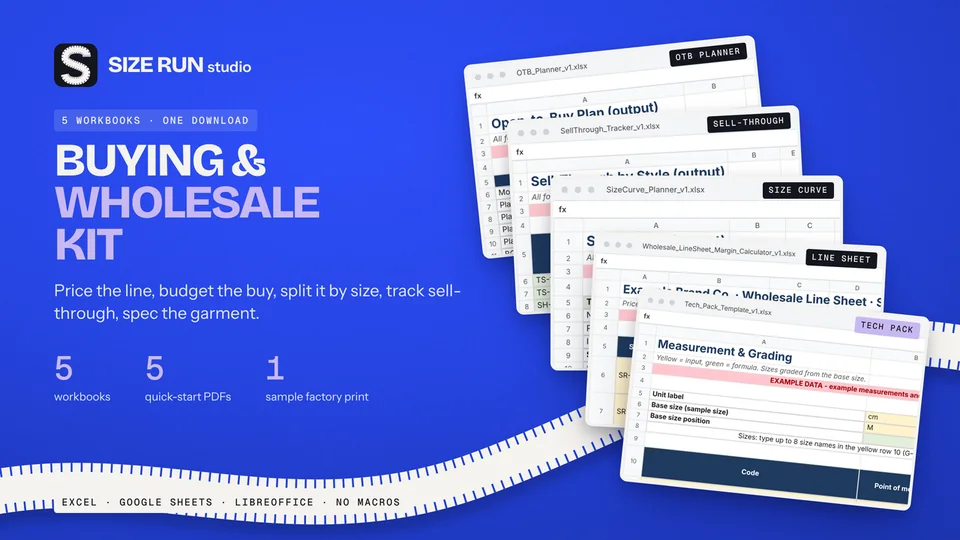
The Fashion Production & Sample Tracker is an Excel workbook with eight tabs: Start Here, Setup, Style Master, Sample Tracker, PO Tracker, T&A Calendar, Vendor Scorecard and a Dashboard. It holds up to 100 sample rounds, 60 orders, 40 styles and 10 vendors, flags samples as LATE, WAITING or DONE, and gives each order a risk flag. It opens with clearly marked example data that you clear before real use, and the default lead times are placeholders you replace with your own. It does not do costing, spec sheets or size-run buying, and Google Sheets is not officially supported. It is a paid product and a planning aid only.
See the Fashion Production & Sample Tracker Fashion Brand Bundle on Etsy
At minimum a sample log, a purchase order log with milestone dates, a calendar that counts back from your in-store date, and a vendor list. Each one needs dates and a status that flags what is late.
Compare the due date with today's date. If the sample has not been received and the due date has passed, flag it late and count the days open.
Yes. Every formula on this page works in a plain spreadsheet. The Fashion Production & Sample Tracker is made for Excel and LibreOffice, and Google Sheets is not officially supported.
No. The dates and lead times are invented to show the arithmetic. Use your own factories' figures.
Turn last season's units by size into a buy plan. Free.
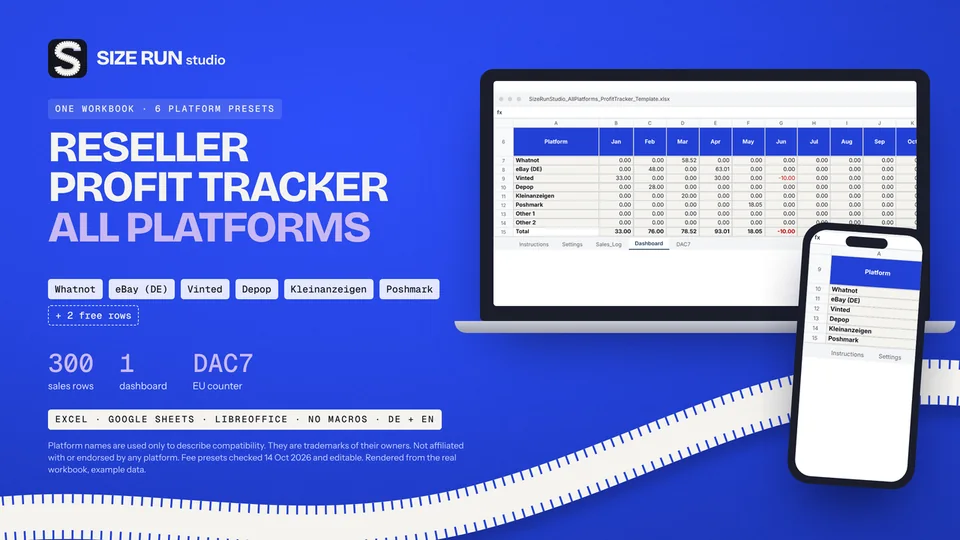
Fees, net profit, margin and ROI per platform and month.
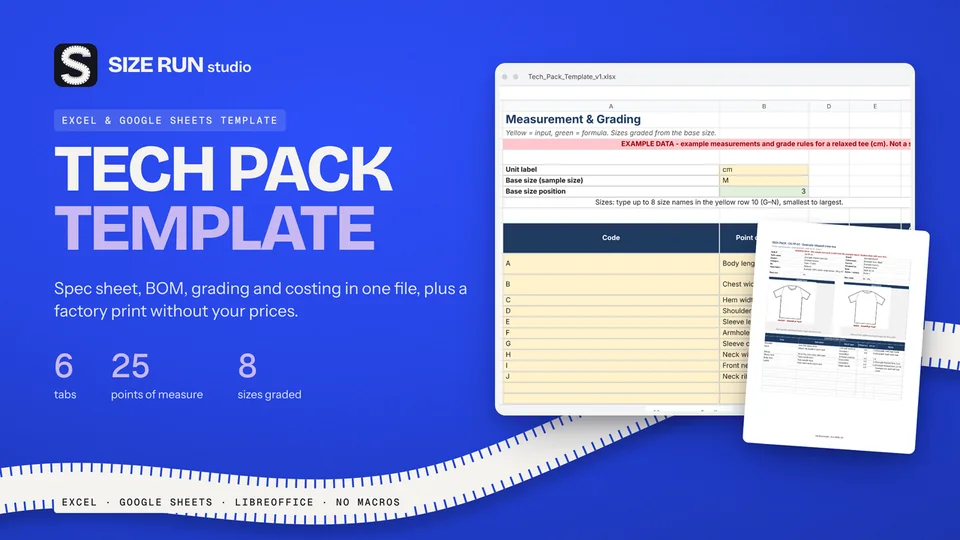
Spec sheet, BOM, grading and costing in one file.
A worked example, step by step, from net units to units per size.
What you keep per resale after fees and shipping.
The open-to-buy formula with a worked example, at retail and at cost.
Sell-through rate and weeks of cover, with a worked example.
Why a 50% markup is not a 50% margin, with a worked example.
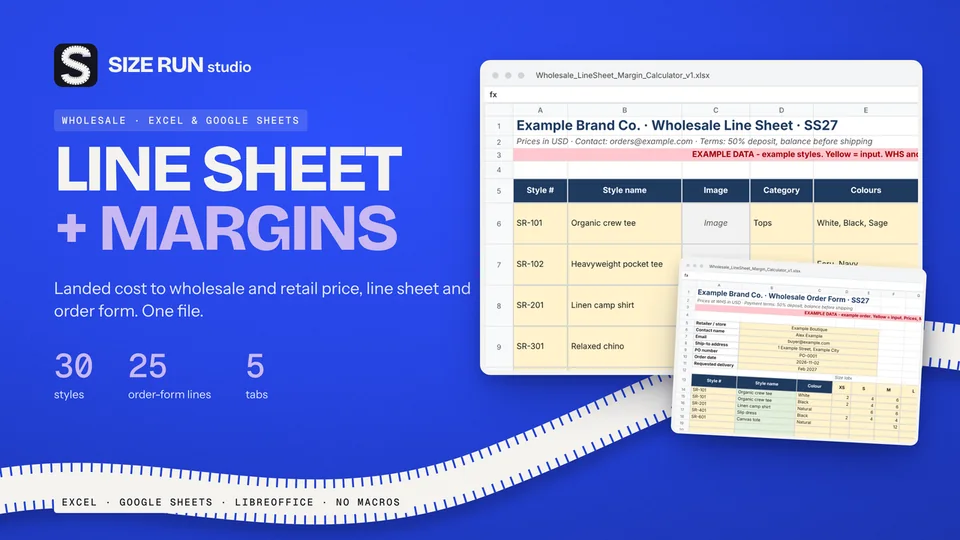
Which columns a wholesale price list needs and how to price from landed cost, with a worked example.
Fee, net profit, margin and ROI per sale, with a worked example and editable fee rates.
Line sheet, tech pack and production tracker: what each covers, plus a worked margin example.
How to track bookings, host fee, payout, occupancy and profit per property, with a worked example.
Track Etsy fees, net profit and margin per sale, with a worked example and editable fee rates.
How to track invoices, overdue payments, income and profit per hour, with a worked example.
How to budget when every month pays differently: baseline, buffer and set-aside, with a worked example.
How to track wedding vendor deposits, balances and due dates in one spreadsheet, with a worked example.
Invoice tracker and irregular-income budget planner in one bundle, with worked examples.