 Size Run
Free size curve template for apparel buyers
Turn last season's units by size into a buy plan. Free.
How to track rent, late payments, security deposits and expenses per unit in an Excel spreadsheet, with a status for every tenant and a worked example.
If you rent out a few units, the same questions come back every month. Who has paid, who is a few days late, how much is still open, and which deposit sits with whom. This page shows how to build a landlord rent tracker in a spreadsheet: a unit list, a payment log, an expense log, a status per unit and a short worked example with invented numbers.
A bank statement lists money that arrived. It does not tell you what should have arrived. Rent tracking needs both sides: the amount due on each date and the payments received against it. Once a tenant pays part of a month, or two months at once, the plain statement stops answering the simple question of what is still owed.
A rent tracker puts the schedule and the payments side by side. The gap between them is the number you want.
One row per unit keeps everything easy to filter. Record these fields:
Use a separate sheet for payments. Each row holds the unit, the date received and the amount. Do not edit old rows. If a tenant pays 500 of a 950 rent, enter 500. If a payment is refunded, enter a negative amount.
The key rule: apply payments to the oldest rent first. That way a part payment reduces the oldest open month, and the summary shows exactly what is owed instead of a vague balance.
Add a report date cell. Type a fixed date to look at a past or future day, or enter =TODAY() for the current day. Each unit then gets a status:
Alongside the status, three figures help: rent still owed, days overdue (report date minus the oldest unpaid due date) and next due date.
A second log holds expenses: the date, the amount, the category and an optional unit. Typical categories are repairs, insurance, fees and utilities you pay yourself. Keep the category list editable so it matches your own books. An expense with a category that no longer exists should land in an "Other or uncategorised" line instead of vanishing.
For each unit, compare the three deposit columns:
Deposit rules differ by place, so use this only as a record of what you received and returned.
Collect the main figures on one sheet: rent roll (monthly rent of all occupied units), overdue rent, due-soon rent, rent received, expenses, deposits held and the next five rents to fall due. A chart by month shows received rent against expenses. After you enter the payments for the day, this page replaces opening five tabs.
These figures are made up for illustration. Unit 1A has a monthly rent of 1,200 due on the 1st. Unit 1B has a monthly rent of 950 due on the 5th. The report date is 15 October.
Seeing the exact open amount per unit makes a polite reminder to a tenant much easier to write.
A tracker like this records and calculates. It covers no lease documents, screening or tax forms. Some situations need a workaround: for a rent change during a lease, end the old lease row and add a new row. Late fees, utilities billed to tenants, several tenants per unit, multiple currencies, depreciation, mortgages and taxes of any kind sit outside a simple rent and expense sheet.
If you would rather not build the formulas yourself, the Landlord Rent and Expense Tracker follows this structure. It is one Excel workbook with 6 tabs: Instructions, Settings, Units, Payments, Expenses and Dashboard. It holds up to 30 units, 500 payments and 300 expenses, and it includes made-up example data you delete before real use plus a one-page Quick Start PDF.
Works in Excel and Google Sheets (checked by importing the file). No macros. It also opens in LibreOffice.
This page describes a record-keeping aid. It gives no financial, tax, accounting or legal advice.
See the Landlord Rent and Expense Tracker
Give every unit one row with the tenant, the monthly rent and the first due date. Log each payment on a separate sheet with the unit, the date and the amount. A formula applies payments to the oldest rent first and shows the amount still owed, the days overdue, the next due date and a status.
At minimum a unit list with tenant, rent and lease dates, a payment log, an expense log with categories and a summary page. Many landlords also track the security deposit per unit: required, received and returned.
Yes. The tracker described here is built for Excel, uses no macros and also opens in LibreOffice. It also works in Google Sheets: the file was imported into Google Sheets and the unit and expense category dropdowns, the formulas and the chart carried over.
No. This page describes a record-keeping method and a planning tool. Deposit and notice rules differ by place, so check your own lease and local rules, and ask a qualified adviser about your own situation.
Turn last season's units by size into a buy plan. Free.
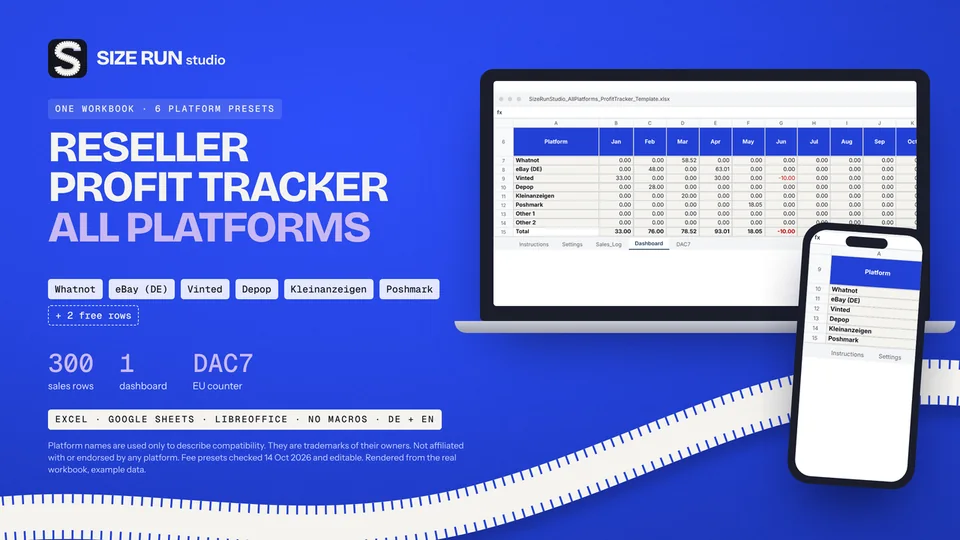
Fees, net profit, margin and ROI per platform and month.
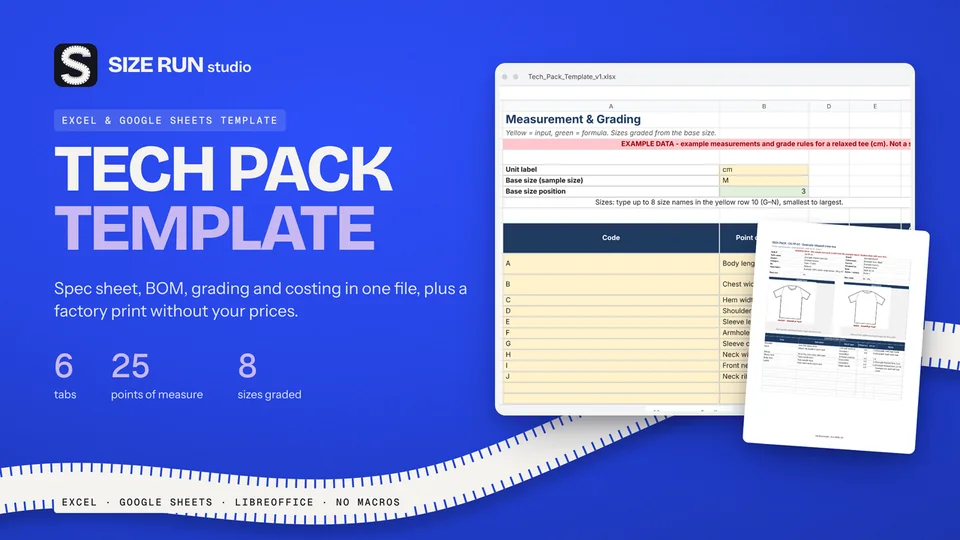
Spec sheet, BOM, grading and costing in one file.

A worked example, step by step, from net units to units per size.
What you keep per resale after fees and shipping.
The open-to-buy formula with a worked example, at retail and at cost.
Sell-through rate and weeks of cover, with a worked example.
Why a 50% markup is not a 50% margin, with a worked example.
What a production tracker needs, how to flag late samples and orders, with a worked example.
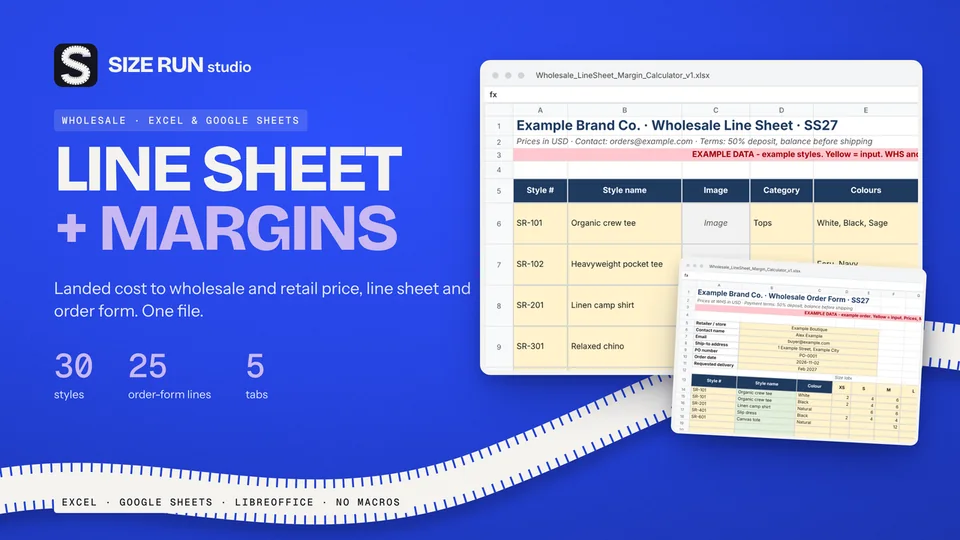
Which columns a wholesale price list needs and how to price from landed cost, with a worked example.
Fee, net profit, margin and ROI per sale, with a worked example and editable fee rates.
Line sheet, tech pack and production tracker: what each covers, plus a worked margin example.
How to track bookings, host fee, payout, occupancy and profit per property, with a worked example.
Track Etsy fees, net profit and margin per sale, with a worked example and editable fee rates.
How to track invoices, overdue payments, income and profit per hour, with a worked example.
How to budget when every month pays differently: baseline, buffer and set-aside, with a worked example.
How to track wedding vendor deposits, balances and due dates in one spreadsheet, with a worked example.
Invoice tracker and irregular-income budget planner in one bundle, with worked examples.